CISA recently urged organisations to harden endpoint management systems after a cyberattack against a US organisation, pointing teams toward Microsoft Intune best practices. That’s a useful reminder of a shift we’ve been living through for years:
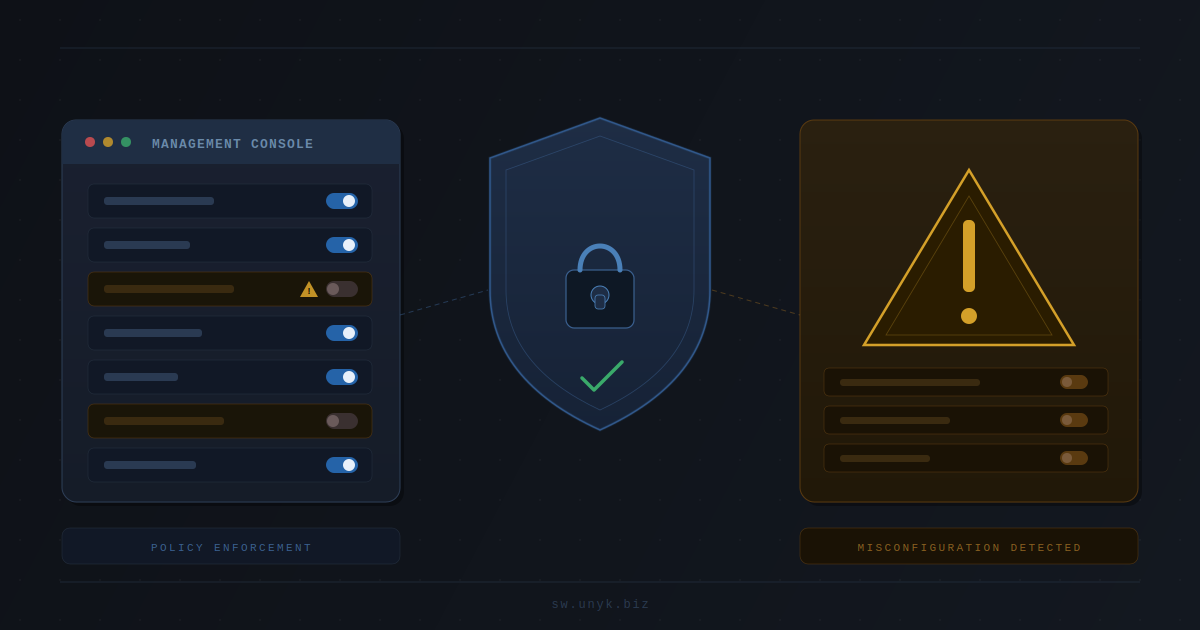
Your endpoint management platform is a “one-to-many” control plane. If an attacker gets access, they can push configuration, scripts, software, and policy changes across large parts of the environment.
Why endpoint management is such a high-value target
Modern environments rely on Intune, RMM tools, and MDM platforms to do what GPOs and manual builds used to do: deploy apps, enforce security baselines, manage updates, rotate settings, and control devices at scale.
That makes these systems attractive because compromise can enable:
- Mass deployment of malicious scripts or software
- Policy changes that weaken defenses (quietly)
- Persistence via scheduled tasks, startup items, or management agents
- New local admins or privileged access paths at scale
The takeaway: you don’t just secure endpoints. You secure the tools that control endpoints.
A practical hardening checklist (Intune and similar platforms)
1) Treat Intune / endpoint management admins like Tier 0
Limit who can administer the platform. Use least privilege and role-based access control so “helpdesk” doesn’t implicitly become “global device control.”
2) Enforce strong admin authentication
Require phishing-resistant MFA where possible and restrict administrative access to known devices and trusted network conditions.
3) Reduce standing privilege and over-broad roles
Review who has elevated roles. Remove stale accounts. Reduce the number of people with “full control” privileges. This is one of the fastest wins.
4) Lock down enrollment and device join paths
Attackers love weak enrollment controls. Make sure only approved devices and users can enroll, and limit who can register/ join devices.
5) Monitor and alert on high-risk actions
Instrument alerts for things like:
- New admin role assignments
- Policy changes that disable security controls
- New scripts, packages, or app deployments
- New enrollment profiles or changes to enrollment restrictions
6) Assume compromise and plan containment
Even with hardening, assume something slips through. The question becomes: if an attacker gets a foothold on one device, can they easily become admin and spread?
This is where endpoint least privilege still matters. If many users are local admins “because of a few apps,” attackers get a shortcut on every compromised machine.
Where least privilege and Elevator fit
Hardening endpoint management is critical, but it doesn’t remove the need for least privilege on devices themselves. Attackers frequently chain:
- Initial access (phishing, stolen creds, compromised browser, infostealer)
- Privilege and persistence on endpoints
- Lateral movement and broader control
Keeping users as standard users removes the easiest privilege shortcut. The usual blocker is familiar: a handful of legacy or specialist Windows apps still need elevation to run.
At UNYK, we built Elevator for Windows for exactly that “messy middle”: keep users standard while allowing only approved applications to run elevated.
- Keep users out of the local Administrators group
- Allow only a short, explicit list of apps to run with admin rights
- Log elevation events so you can see which apps still depend on admin and where
Quick next step
If you want a practical action plan:
- Harden endpoint management roles and admin access.
- Audit who is local admin on endpoints and why.
- Pick 2–3 “problem apps” and pilot controlled, per-app elevation while users remain standard.
You can start a pilot here:
Start Free 30-Day Trial Request Elevator Pricing