Removing local admin rights on Windows is one of the highest-leverage security moves most organisations can make. But the reason it stalls isn’t usually disagreement. It’s the operational “what happens when…” questions that nobody wants to own.
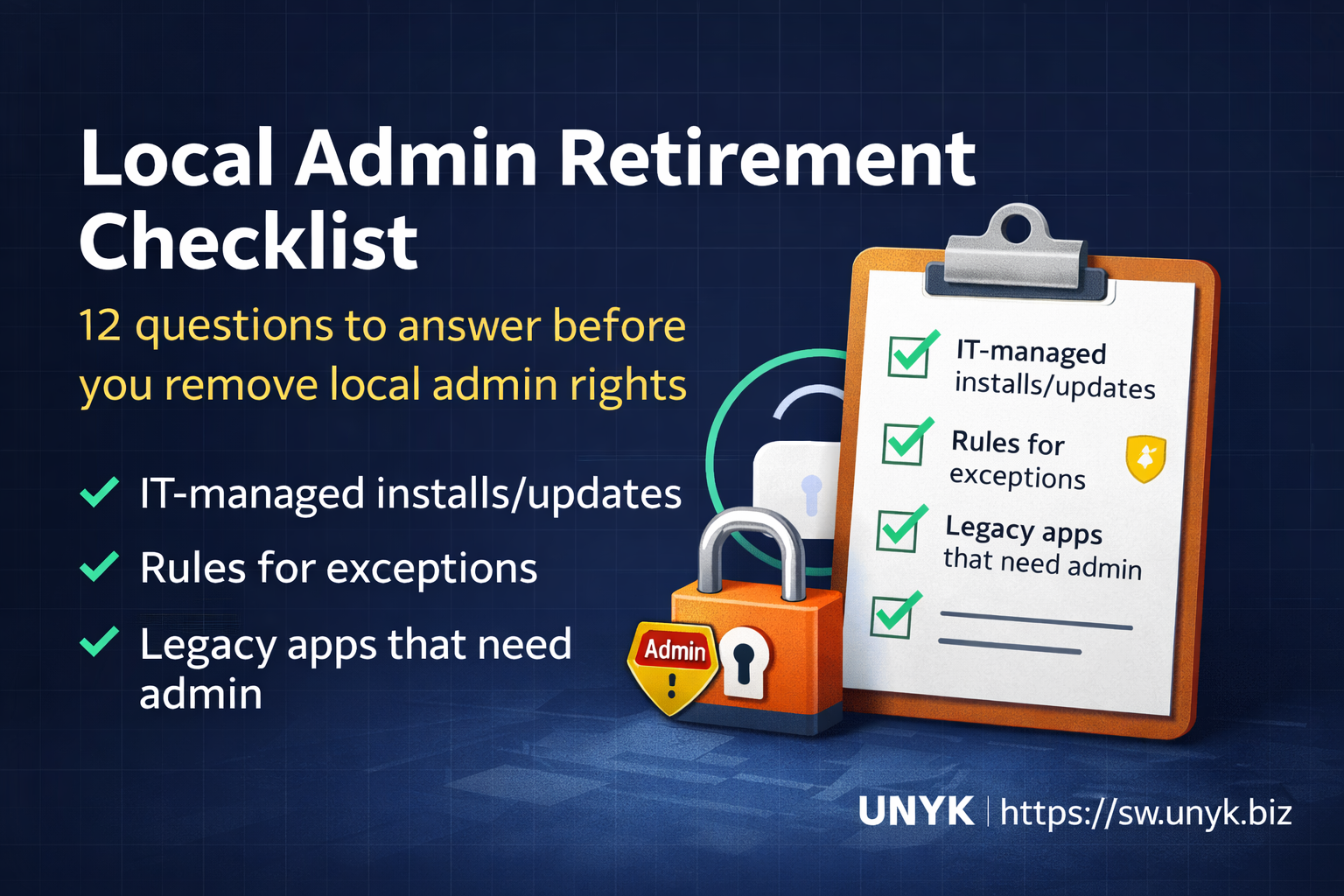
This checklist is designed to make the work concrete. If you can answer these 12 questions, you can run a pilot and start removing local admin without breaking productivity.
1) Who is still a local admin today (and why)?
Start with a simple inventory: who is in the local Administrators group, and what’s the actual business reason? Most environments find it’s not “everyone needs admin,” it’s “a handful of apps forced a broad exception.”
2) What are your top 10 “admin moments”?
List the most common events that trigger UAC prompts or admin requests. For example:
- installing software
- updating legacy apps
- running a specific “special” tool
- changing a device setting
- VPN/driver updates
3) Which apps truly require elevation to run (not just to install)?
A lot of “needs admin” apps only need admin during install or update, not during daily use. Separate those two categories. It changes the solution.
If you need a quick framework, most legacy admin requirements fall into predictable patterns: writes to Program Files, HKLM registry settings, services/drivers, hard-coded paths, and self-updaters. (We cover that in more detail here: Why Legacy Windows Apps Still Need Admin Rights.)
4) How will you handle installs and updates?
If installs are the main trigger, decide the managed path:
- IT-managed deployment via Intune/ConfigMgr/RMM
- approved software catalog
- packaging standards (MSI where possible)
- who owns updating “special” apps
5) What’s your rule for “exceptions”?
You need a consistent standard for when an exception is allowed:
- What qualifies (business-critical only, time-limited, etc.)?
- Who approves?
- How is it documented?
- How often is it reviewed?
6) Do you have a per-app elevation strategy for the stubborn apps?
This is the make-or-break point for many rollouts. If a small set of apps require admin every day, giving users local admin is a broad risk to solve a narrow problem.
A cleaner model is controlled elevation: keep users standard, but elevate only approved apps under policy.
7) What’s your plan for developers and power users?
Developer workstations and “power users” are where least-privilege projects go to die. Decide upfront:
- which tools require admin (and why)
- which tasks can be done with JIT elevation
- which apps should be elevated per-policy
- which workflows need redesign (build agents, sandboxing, containers, etc.)
8) How will you handle break-glass and emergency support?
Define your emergency path so helpdesk doesn’t improvise:
- break-glass accounts
- who can use them
- how access is logged and reviewed
- how you avoid “temporary” becoming permanent
9) What will you monitor once users are standard?
Least privilege works best when you can see where elevation is happening. Even simple logging around elevation events and admin tool usage helps you spot:
- unexpected elevation attempts
- new “shadow admin” workflows
- apps that still require remediation
10) What’s your user communication plan?
Most user resistance comes from surprise. Communicate:
- why you’re doing it (security + stability)
- what changes (some prompts will require a process)
- what won’t change (approved apps still work)
- how to request help when needed
If you want a template approach, this post helps: How To Tell Your Users You’re Removing Local Admin Rights (Without Starting a Revolt).
11) What does success look like after 30 days?
Pick measurable outcomes:
- % reduction in local admins
- # of apps covered by controlled elevation
- helpdesk ticket volume trend (up initially is normal)
- repeat issues you should remediate properly
12) Who owns the long tail?
The “last 10%” is where projects stall. Decide who owns:
- remediating the remaining apps
- packaging and update workflows
- reviewing exceptions monthly/quarterly
- keeping the standard user model from eroding over time
Where Elevator for Windows fits
At UNYK, we built Elevator for Windows to solve the most common blocker in this checklist: the small set of legacy or specialist apps that still need admin rights to run.
- Keep users out of the local Administrators group.
- Allow a short, explicit list of approved applications to run elevated.
- Keep everything else standard.
- Log elevation events so you can see what still depends on admin.
If you want to pilot with two or three “problem apps” and a small user group:
Start Free 30-Day Trial Request Elevator Pricing
For background on the “why”, these posts are a good companion: