Microsoft has released an emergency, out-of-band update to fix a new Microsoft Office zero-day vulnerability, tracked as CVE-2026-21509. The flaw is already being exploited in the wild and affects multiple Office versions, including Office 2016, Office 2019, Office LTSC editions, and Microsoft 365 Apps for Enterprise.
On paper, CVE-2026-21509 is a security feature bypass. In practice, it is yet another reminder that:
- Attackers still love Office documents as an entry point.
- Once they land on a Windows endpoint, what happens next depends heavily on local admin rights and elevation paths.
In this post we will keep things practical: a quick look at what this zero-day does, what Windows admins should do today, and how it ties back to least privilege and tools like Elevator for Windows.
What is CVE-2026-21509?
CVE-2026-21509 is a vulnerability in Microsoft Office where the product relies on untrusted inputs in a security decision. In plain English, an attacker can craft a malicious Office file that bypasses some of the protections designed to block unsafe COM/OLE controls.
To exploit it, an attacker typically:
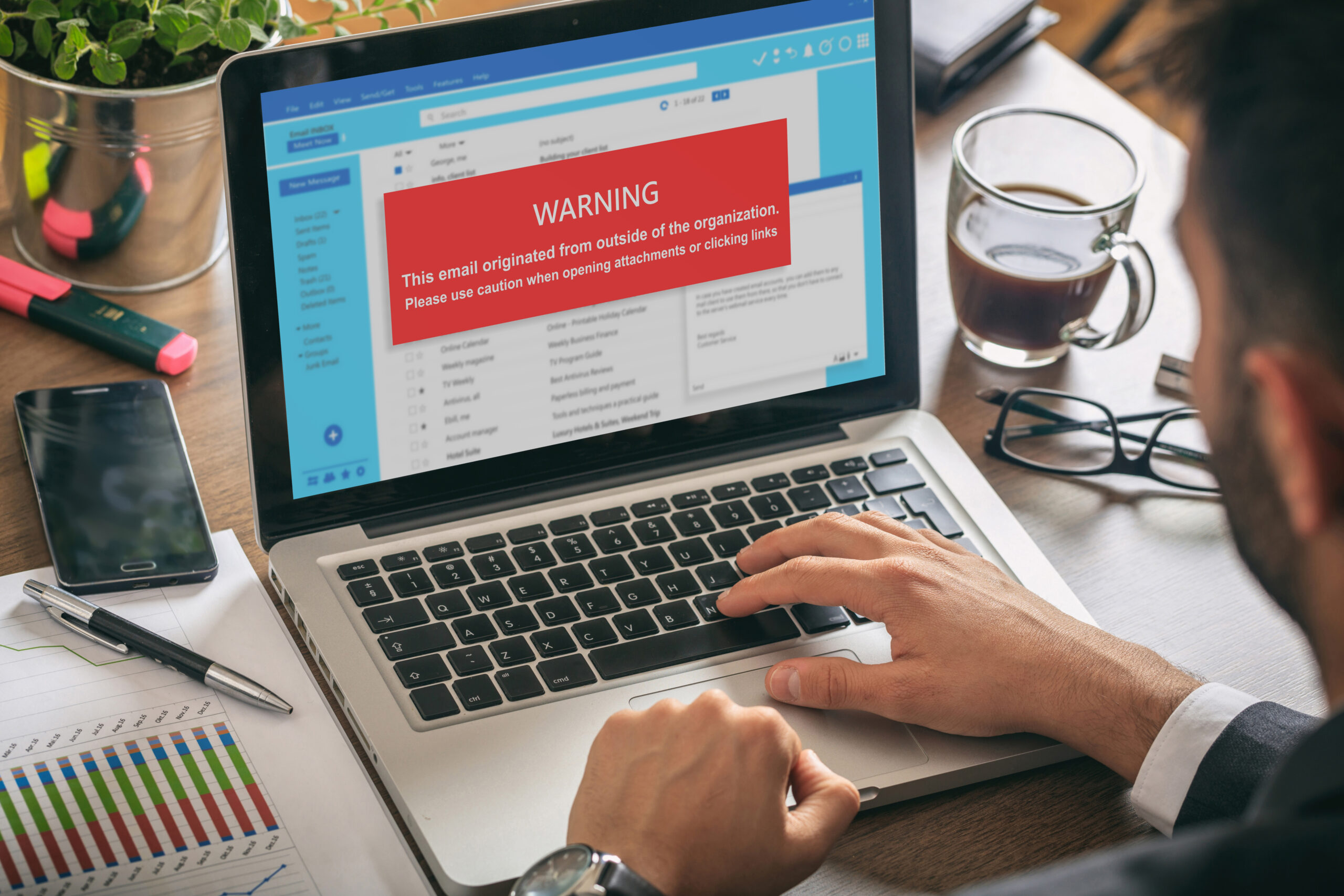
- Sends a specially crafted Office document (for example, via email or a download link).
- Convinces a user to open it (social engineering still matters).
- Uses that document to bypass Office’s security feature and execute additional malicious behavior.
There is no “preview pane” auto-exploit here; user interaction is still required. But once the user opens the file, the attacker may be able to sidestep mitigations that were supposed to make OLE-based attacks harder.
Microsoft has shipped an out-of-band patch for most supported versions and registry-based mitigations for Office 2016/2019 until full updates are available. If Office is part of your Windows estate, this deserves a spot on today’s task list.
Why Office zero-days still matter so much for Windows endpoints
From an attacker’s point of view, Office is still a great first step:
- It is installed on a huge number of endpoints.
- People are used to opening documents from email, Teams, and the web.
- It gives them a convenient way to run code in the context of a real user.
The Office zero-day is rarely the end of the story. It is usually the beginning of a familiar chain:
- Deliver a malicious document; get code execution in the user’s context.
- Disable or sidestep endpoint protections.
- Steal credentials, move laterally, and escalate privileges on Windows devices.
At that point, one question matters a lot:
Is this user a standard user with limited rights, or a full local admin on their Windows machine?
If the user is already a local admin, the attacker can often:
- Uninstall or tamper with security tools.
- Install additional payloads with system-wide impact.
- Create new accounts or change local security settings.
If the user is a standard user, the attacker has a much harder time turning that initial Office exploit into a complete endpoint takeover. They may still try to chain into a Windows privilege escalation, but you have taken a large part of the blast radius off the table.
Three things Windows admins should do today
1. Patch Office and apply the mitigations
First things first:
- Deploy the out-of-band updates for Microsoft 365 Apps and supported Office LTSC versions as soon as your change process allows.
- For Office 2016 and 2019, follow Microsoft’s official guidance on registry-based mitigations until full updates are released.
- Make sure you are not relying on “we’ll get to it next month” for a flaw that is already being exploited.
If you support remote or hybrid workers, include them in your plan. Office exploitation does not care whether the endpoint is on-prem or at home.
2. Tighten your Office attack surface
CVE-2026-21509 is a reminder to revisit your Office hardening basics:
- Review macro policies and make sure you are not allowing unsigned or internet-sourced macros by default.
- Use features like Protected View and “Mark of the Web” appropriately, not as something to be clicked through without thinking.
- Educate users (briefly) that “unexpected document asking you to enable anything” should be treated with suspicion.
These steps do not replace patching, but they make it harder for a single malicious document to turn into a serious incident.
3. Treat local admin and elevation as part of the response
A lot of organisations respond to Office zero-days purely at the identity and email layer:
- Block known-bad attachments.
- Turn up phishing detection.
- Update security awareness training.
All of that is good. But if most of your users are still local admins on their Windows devices, you are leaving a big gap:
- An Office exploit lands directly in a high-privilege session.
- Malware has immediate ability to tamper with the endpoint.
This is why we keep coming back to least privilege on Windows. Posts like Make This the Year You Remove Local Admin Rights on Windows (For Real) and Five Myths About Removing Local Admin Rights on Windows lay out the broader case, but the message in the context of this Office zero-day is simple:
Patching Office is essential. Making sure the user behind Office is not a full local admin makes that patching work much harder for attackers to bypass.
Where Elevator fits into your response
One of the reasons local admin is so sticky is legacy and specialist Windows applications. You patch Office, you turn on stricter policies, and then someone says:
“This old app only works as admin. If you take away my rights, I can’t do my job.”
At UNYK, we built Elevator for Windows to solve exactly that last-mile problem:
- Users run as standard users all day.
- You define a short, explicit list of applications that should run with admin rights.
- Elevator runs just those applications elevated – not the entire user session.
- Every elevation is logged, so you can see which apps are really using admin rights and tune policies over time.
That means you can respond to Office zero-days in a more confident way:
- Patch quickly and consistently.
- Harden Office itself.
- Reduce the number of users who are local admins.
- Keep the handful of stubborn apps working via controlled, per-app elevation instead of blanket admin rights.
Zero-days in Office and other widely deployed software are not going away. But each one is an opportunity to tighten not just your patching process, but your endpoint privilege model.
If today’s Office zero-day has prompted awkward questions about who is still a local admin, we would love you to try Elevator on a few of your critical apps and see how it fits into your least privilege plan for Windows.